Chat Header
The Chat Header is located at the top of the Internal Chat interface. There are 3 types of chat header:
General Group Chat Header
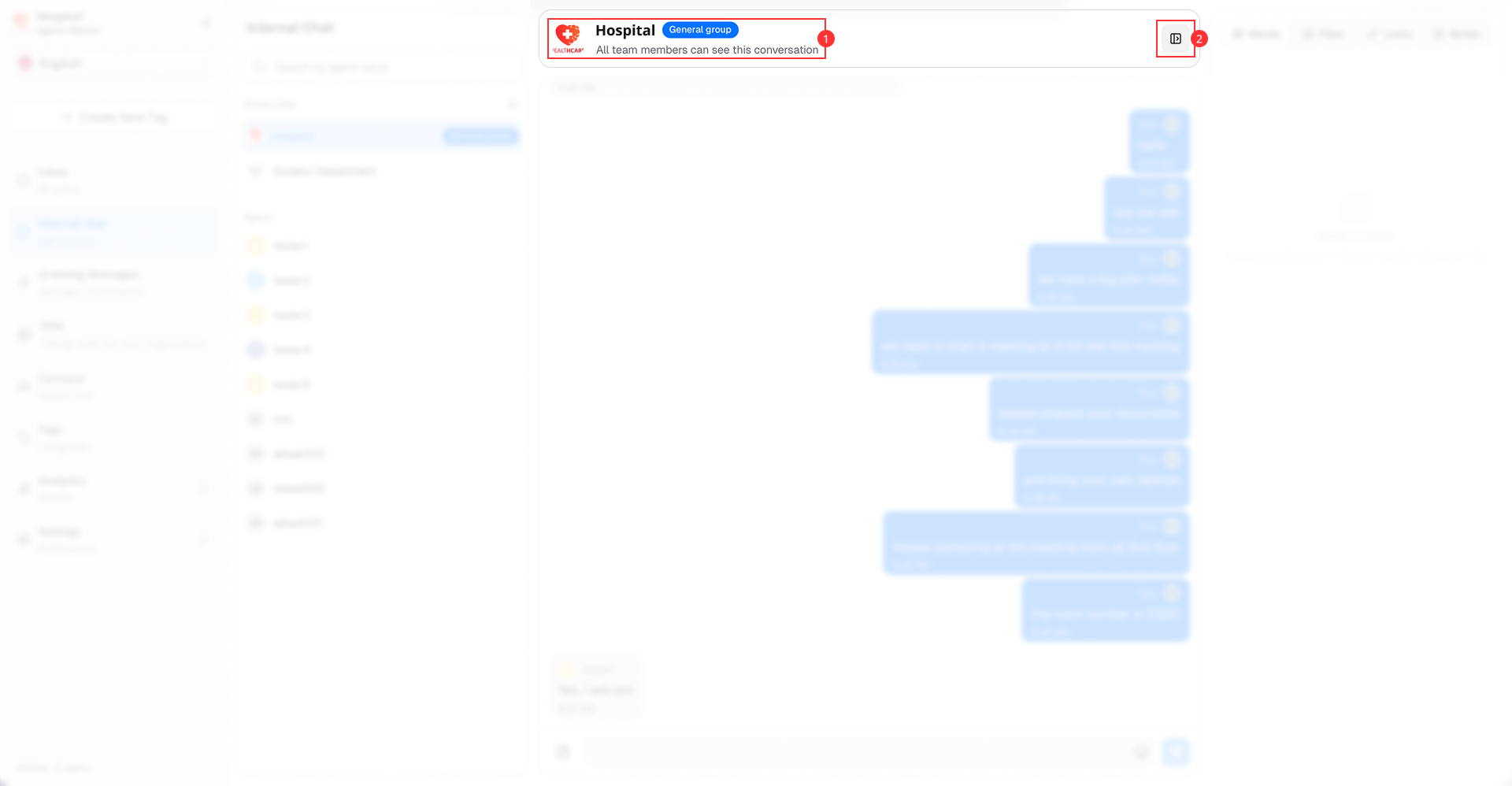
It consists of the following main components:
-
Chat's information: Displays:
- Hospital logo (applies for general group chat only)
- Hospital name (applies for general group chat only)
- Chat Type: General group (Appears only in General group chat)
- Description: All team members can see this conversation.
-
Chat Information Button: Provides access to all attachments shared in the chat session. Includes Media, Files, Links, and Notes
Private Group Chat Header
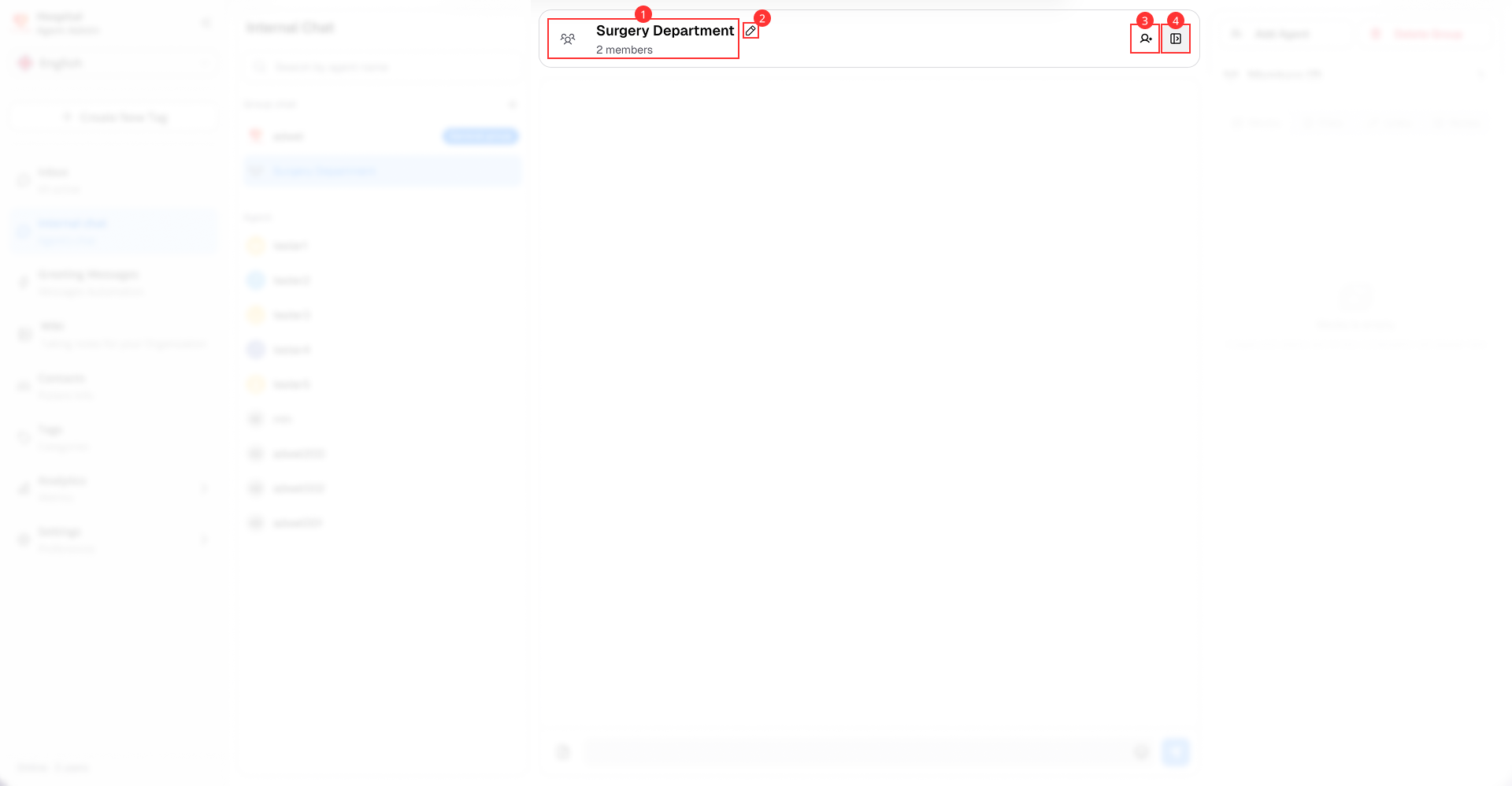
It consists of the following main components:
-
Chat's information: Displays:
- Private group icon (applies for all private group chats)
- Group name
- Participants: Number of members in the private group chat.
-
Change group name button: Allows member in the group to change the group chat name.
-
Add member button: Allows member in this group to add new members to the private group chat.
-
Chat Information Button: Provides group's management and access to all attachments shared in the chat session. Includes Media, Files, Links, and Notes
Individual Chat Header
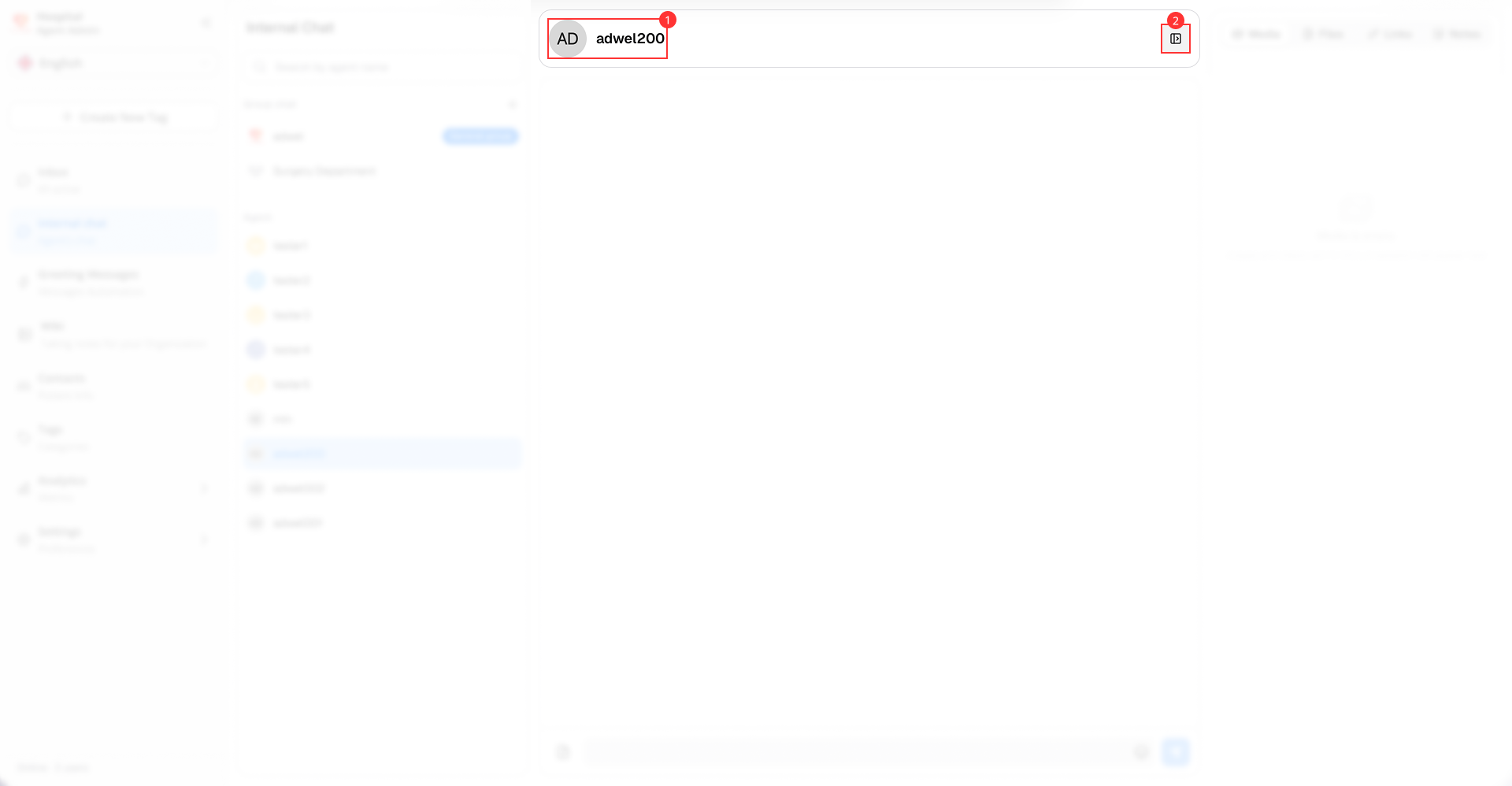
It consists of the following main components:
-
Chat's information: Displays:
- Agent's profile picture
- Agent's name
-
Chat Information Button: Provides access to all attachments shared in the chat session. Includes Media, Files, Links, and Notes