How to update to the latest version
To update to the latest version of MChat, there are 2 options below:
Update Pop-up
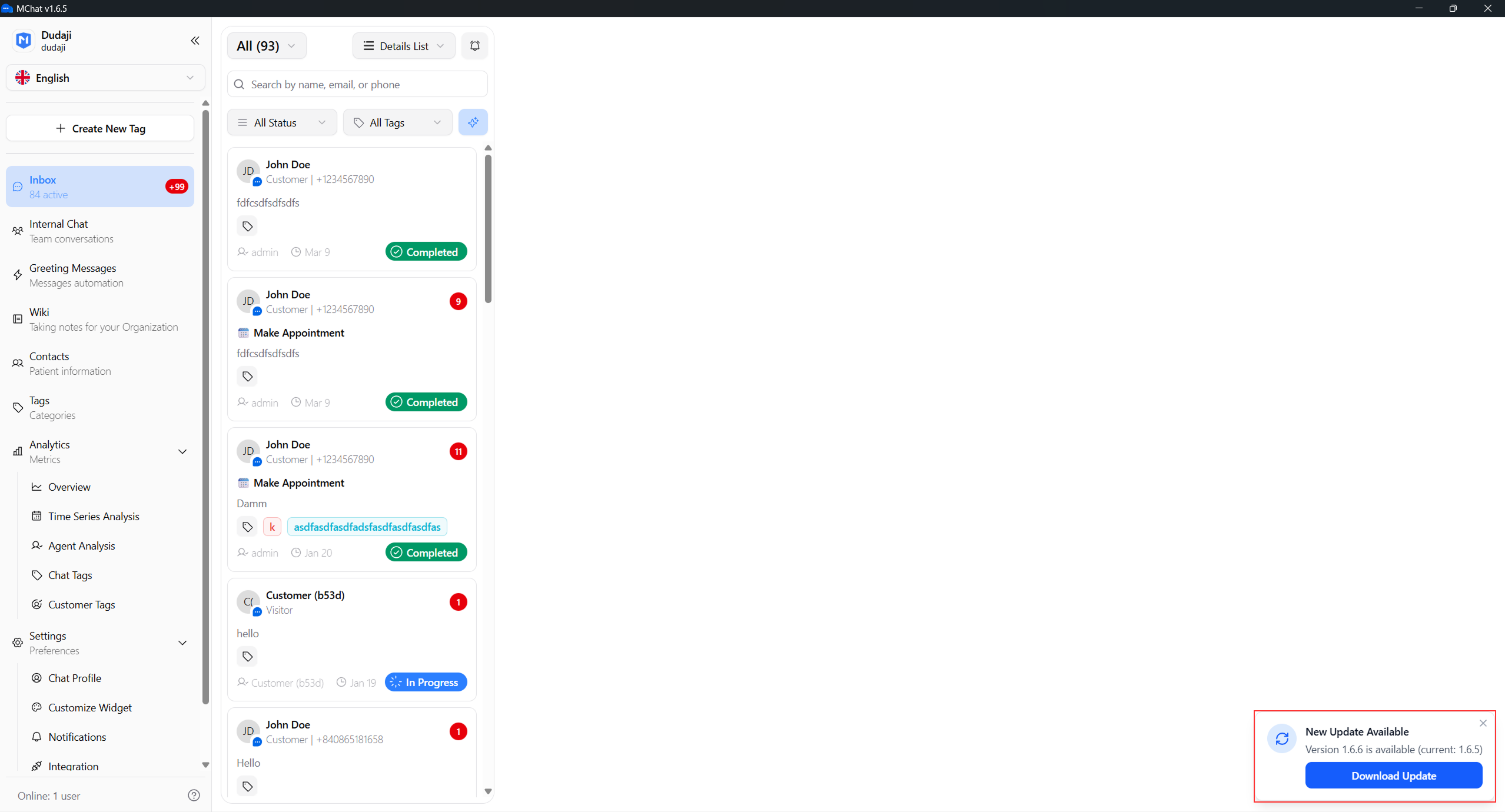
When a new version of MChat is released, you will receive a pop-up notification in MChat. You can click the "Download Update" button in the pop-up to download the latest version of MChat.
Update in tray icon
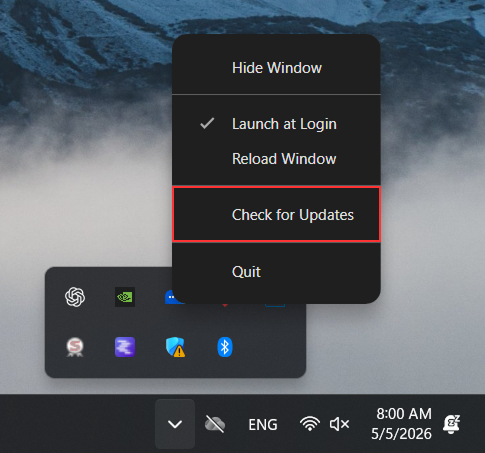
Another way to update MChat is to click the "Check for Updates" button in the tray icon menu. Right click the MChat icon in the system tray, and then click the "Check for Updates" option. If there is a new version available, you can click the "Download Update" button in the pop-up to download the latest version of MChat.