Version: 1.5.0

Follow-up Notifications

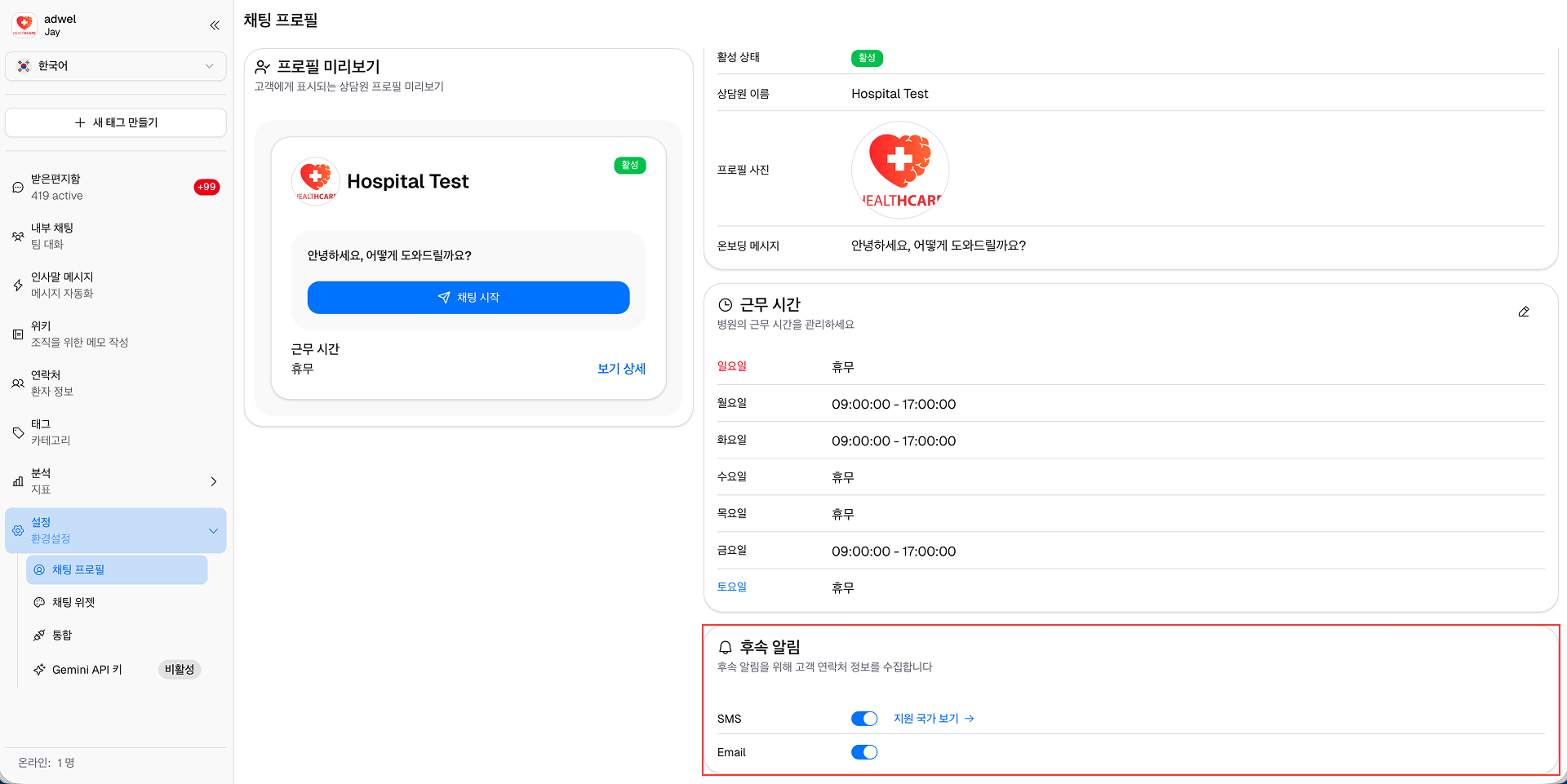
Follow-up notifications are messages sent to users after their interaction with the chat widget, to help them re-access the chat. You can enable or disable follow-up notifications in the Profile Settings section.

Learn more about Follow-up Notifications

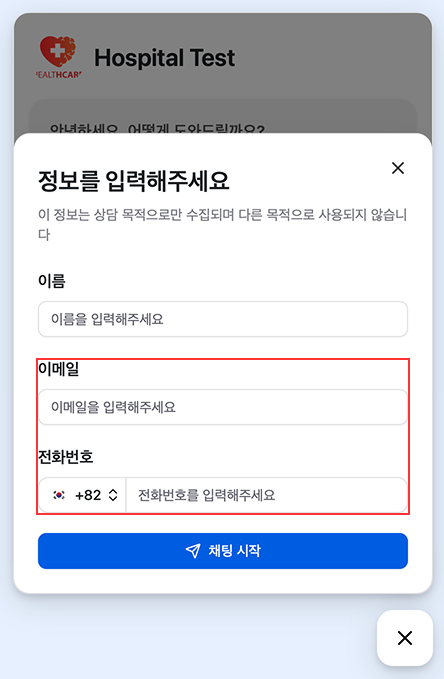
When enabled, users will have fields to enter their contact information (such as email or phone number) when start a new chat in hospital website.

Follow-up Notification Fields

  • SMS Notification: If the user provides a phone number, they will receive a SMS message containing a link to re-access the chat. (Beta)
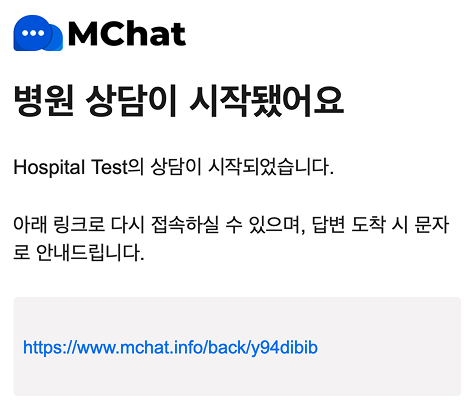
  • Email Notification: If the user provides an email address, they will receive an email containing a link to re-access the chat.

Follow-up Notification Messages