Follow-up Notifications
Follow-up notifications are messages sent to users after their interaction with the chat widget, to help them re-access the chat. You can enable or disable follow-up notifications in the Profile Settings section.
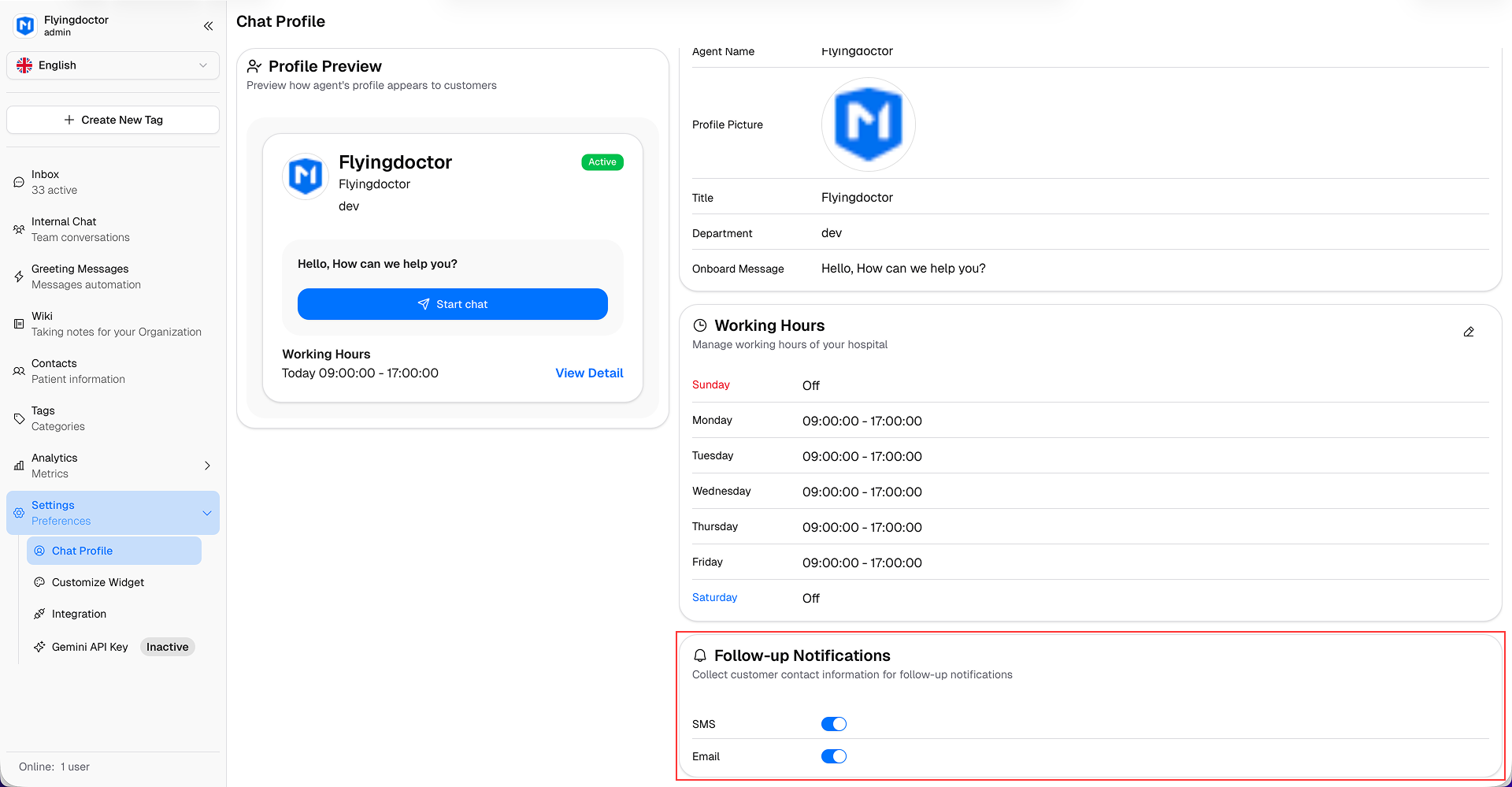
When enabled, users will have fields to enter their contact information (such as email or phone number) when start a new chat in hospital website.
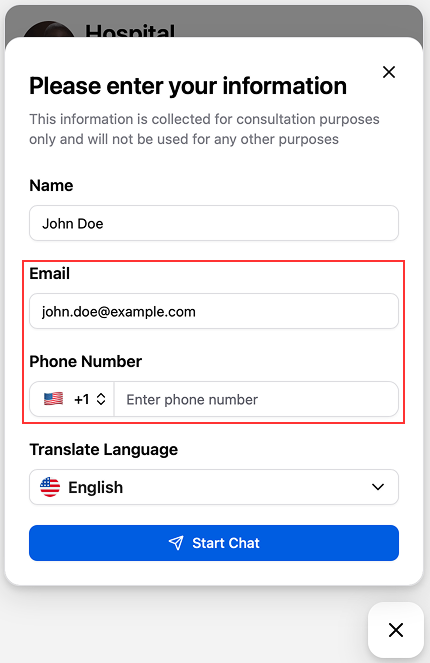
- SMS Notification: If the user provides a phone number, they will receive a SMS message containing a link to re-access the chat. (Beta)
- Email Notification: If the user provides an email address, they will receive an email containing a link to re-access the chat.
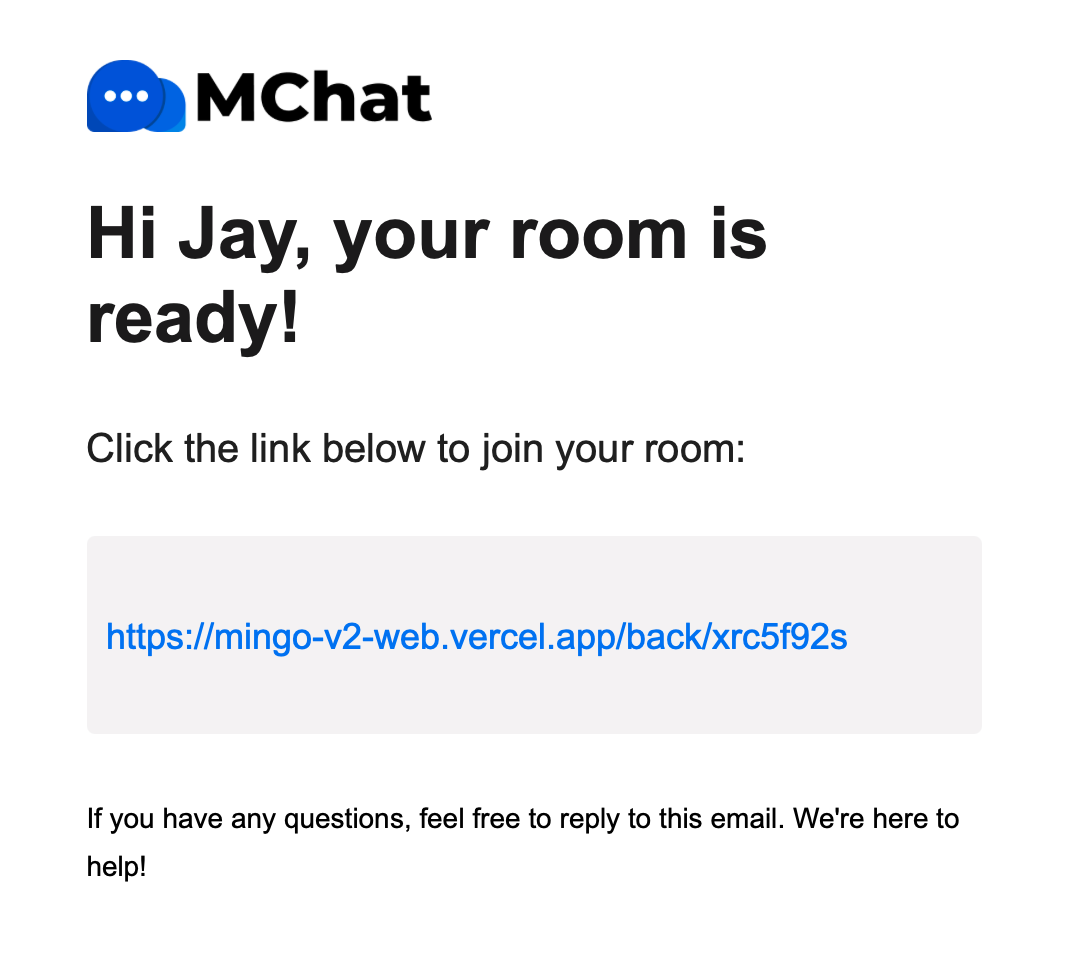
The follow-up notification will be triggered:
- When patients first reach out to the hospital via MChat, they will receive a follow-up notification immediately to re-access the chat at any time.
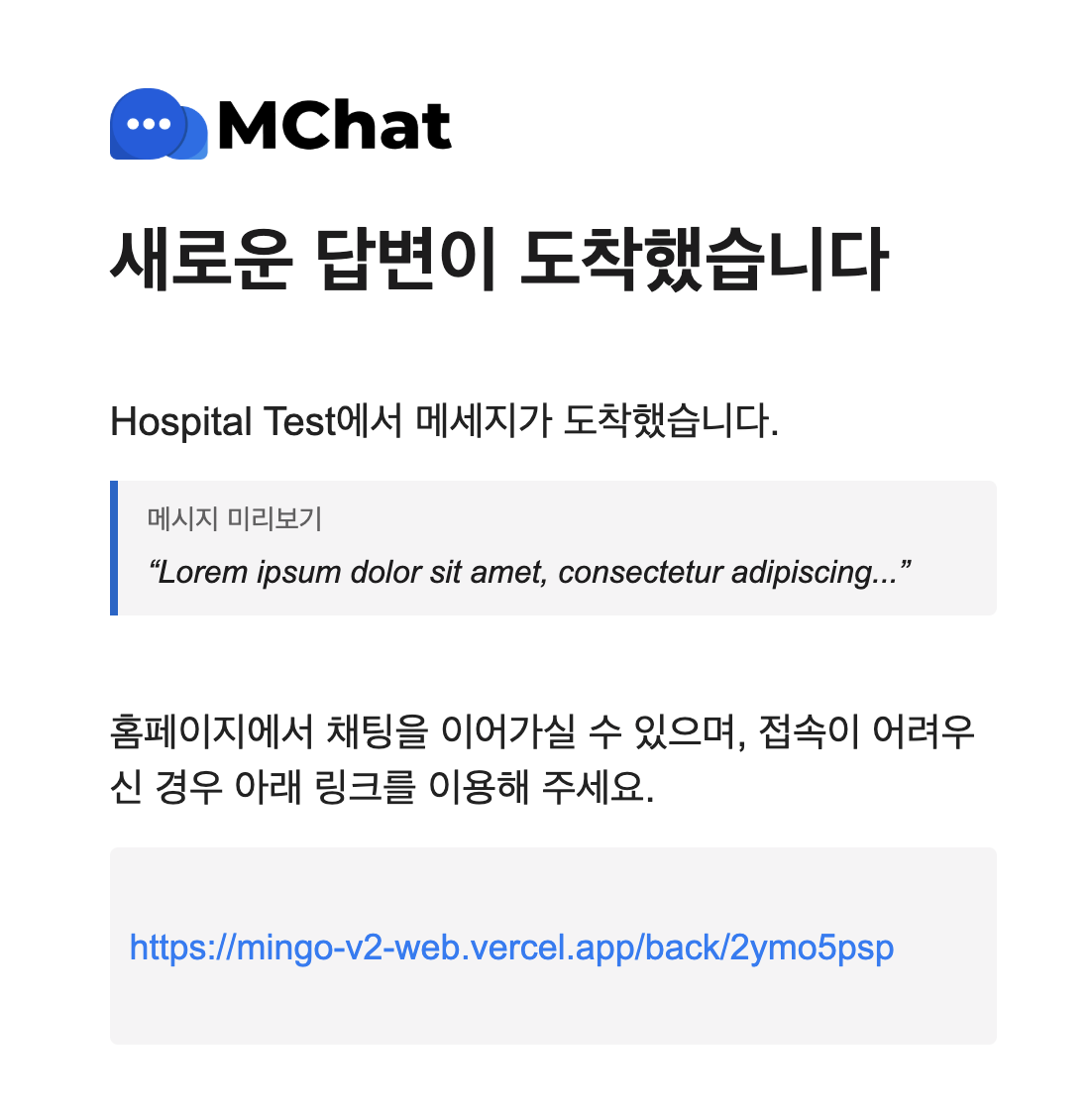
- When patients are inactive and the hospital sends messages to them, they will receive a follow-up notification to notify them of the new messages and encourage them to re-access the chat.
New message follow-up notification: will be sent immediately when triggered, ensuring patients receive timely notifications for every new message from the hospital. The SMS notification will also include a preview of the hospital's message content, giving patients immediate context before opening the chat.
The patient's inactive status definition:
- In general: Patients will be considered inactive if they closed the MChat widget but still browsed the hospital website.
- On Desktop: Patients will be considered inactive if they switched to another browser tab or minimized the browser window.
- On Mobile: Patients will be considered inactive if they run Mobidoc app or the hospital website in the background.