Integration
The Integration page allows you to connect and manage third-party messaging services with MChat. Currently, MChat supports:
- KakaoTalk: A popular messaging app in South Korea.
- LINE: A widely used messaging platform in Japan and other Asian countries.
- Naver: A messaging service commonly used in Taiwan.
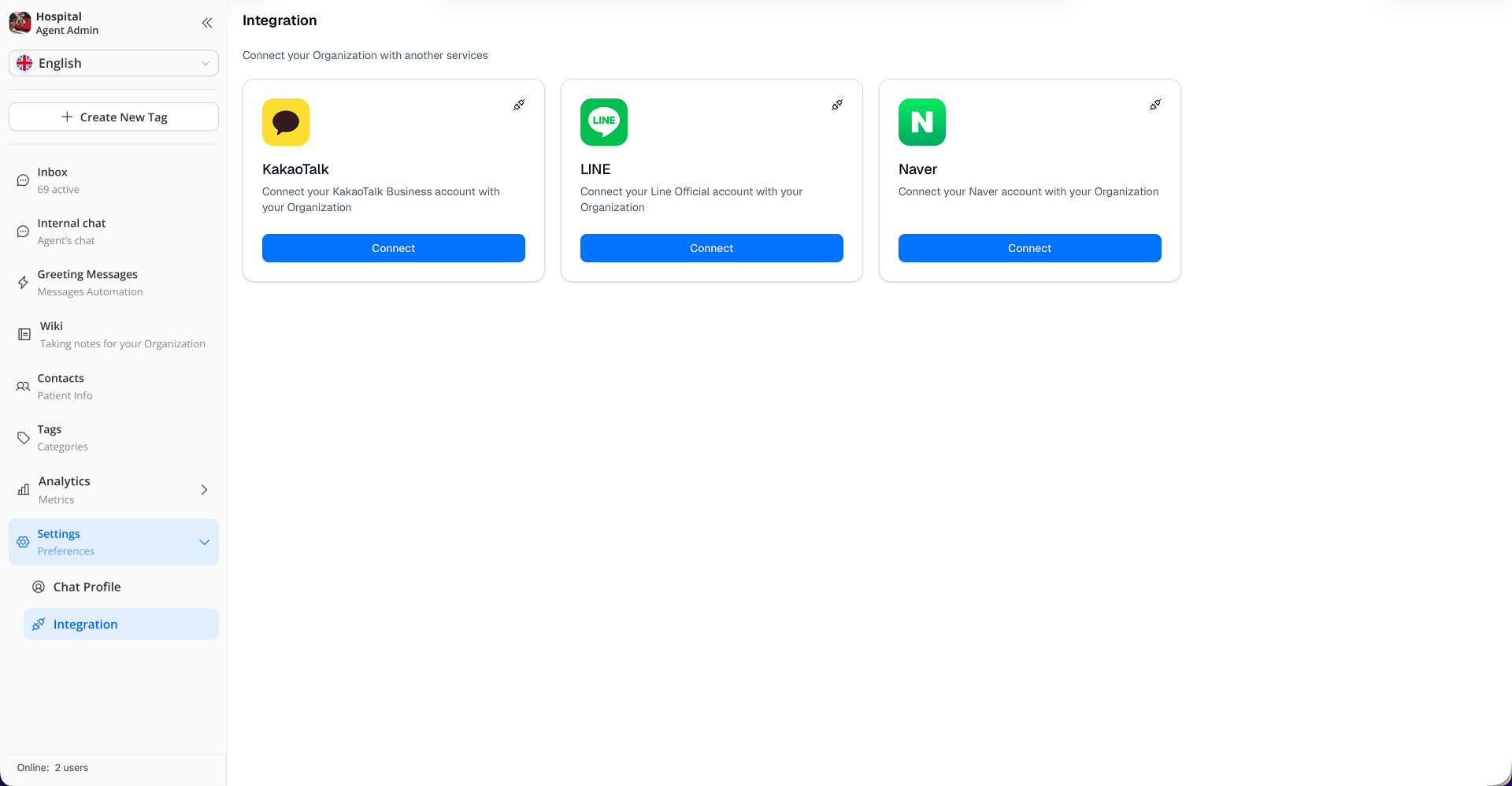
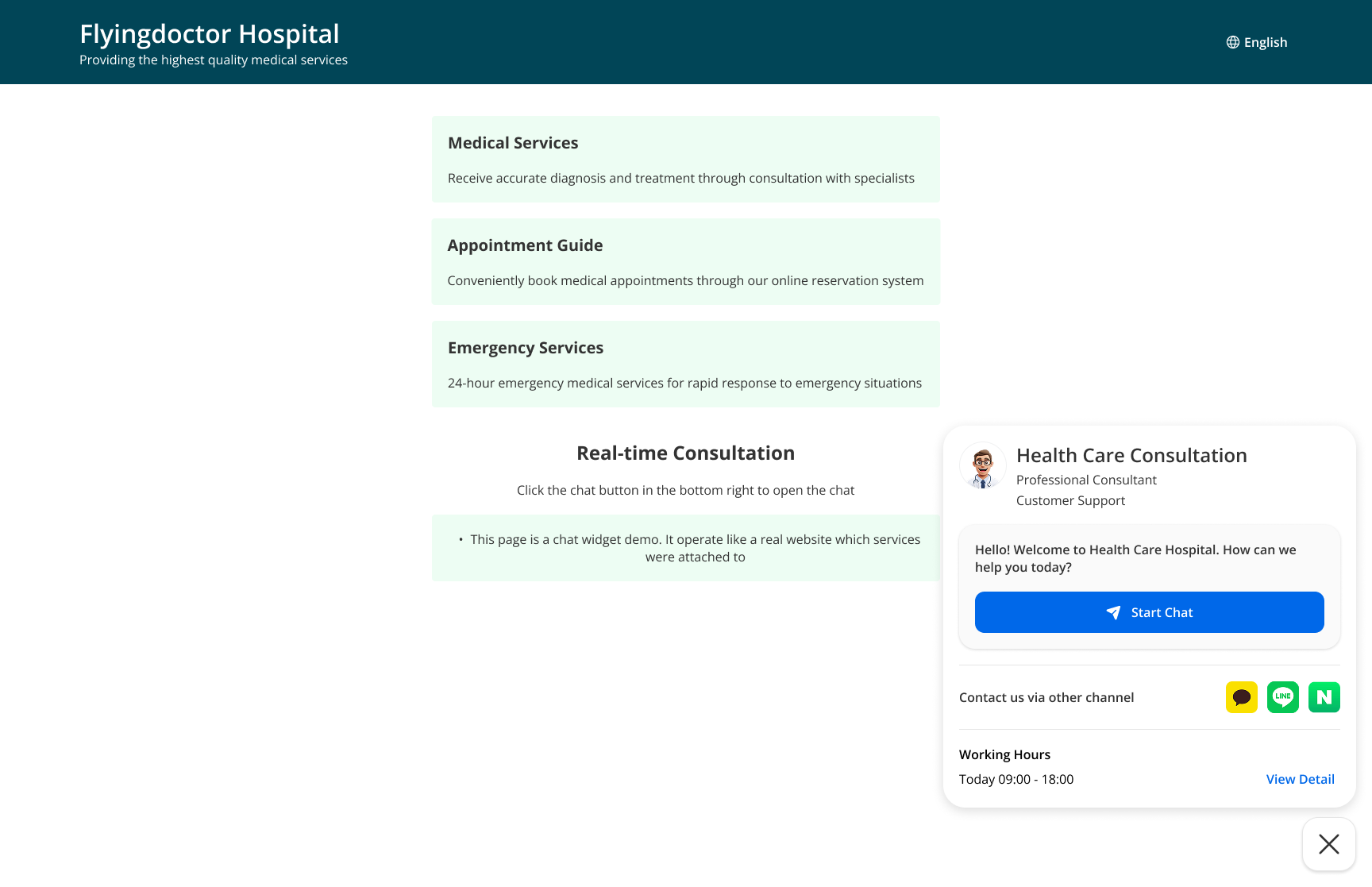
When integrated, in MChat widget, customer can choose to chat via these messaging services directly.
⚠️ Caution when deleting an existing integration
When you delete an existing integration, all chat sessions that were initiated through that integration will be deactivated as well. You can read the chat history but will no longer be able to send & receive messages in those chat sessions even if you re-integrate that same 3rd party messaging platform again.
When
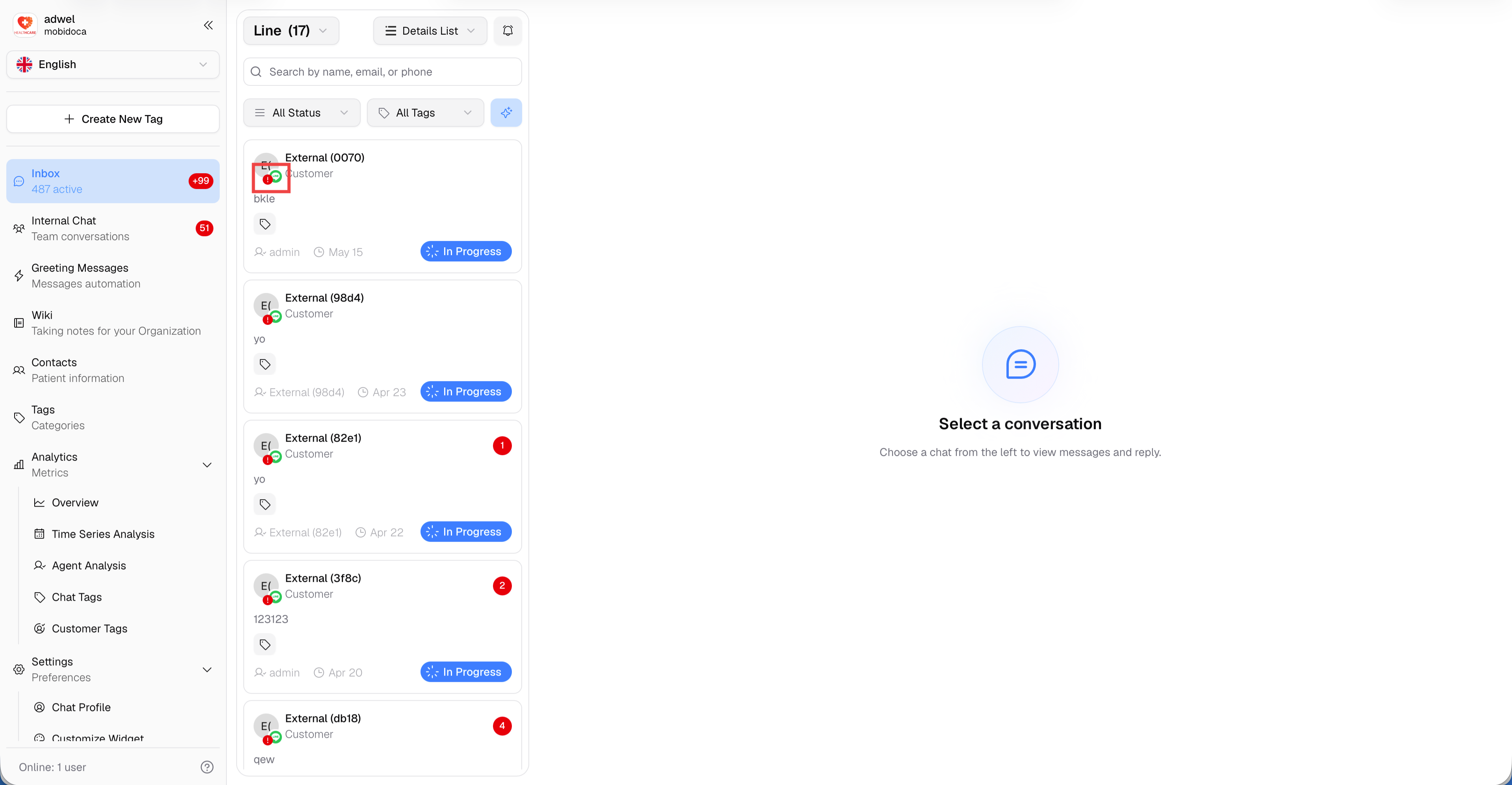
How to identify deactivated chats in the Chat List
In the chat list, a red warning icon will appear on the platform logo to indicate that the session is inactive. This is to help you easily recognize which chat sessions have been deactivated due to the integration deletion.
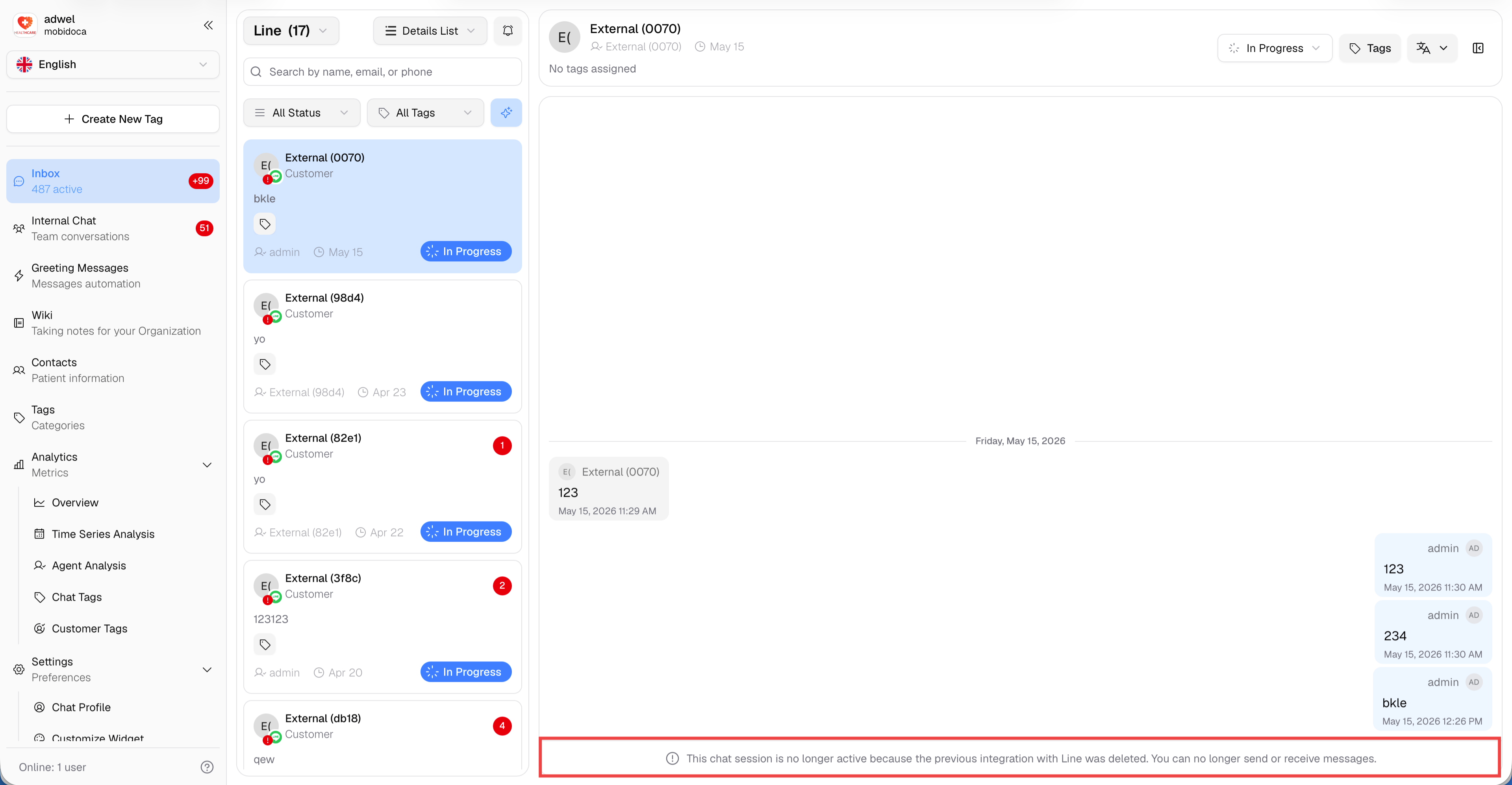
And when you open the chat window of those deactivated chat sessions, you will see the chat input box has been replaced by a warning message to inform you that the chat session has been deactivated due to the integration deletion.
Re-connection & New Chat Items
Please Note: Even if you re-integrate the same 3rd-party account, any new messages sent by a patient—even one you have chatted with before—will be treated as a completely new session.
- A new chat item will be created in your chat list.
- The previous chat session will remain deactivated and cannot be merged with the new one.
- This ensures data integrity between different integration periods.