Notifications
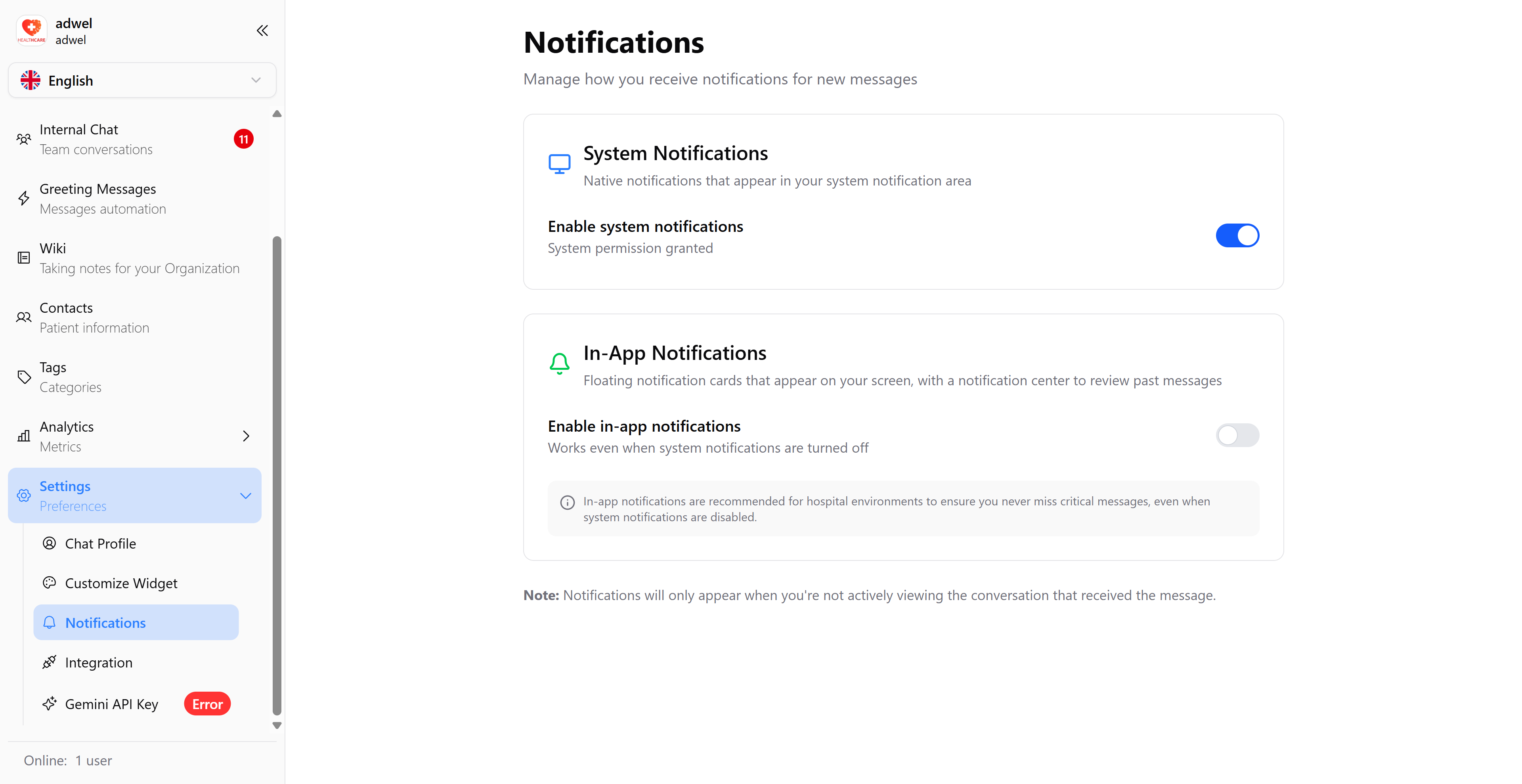
The Notifications Settings page allows you to manage your notification preferences for MChat. You can choose to receive notifications by the default system push notification or MChat in-app notification.
-
System Notification: You will receive notifications through the default system push notification of your device. If it is disabled, you will not receive any notifications from MChat via push notification of your device.
-
In-app Notification: You will receive notifications within the MChat app even if the system push notification is disabled. When enabled, there will be a MChat icon appear on the top right corner of the screen, and you can click on it to view your notifications or drag to move it to another corner of the screen.
To change your notification preferences, simply toggle the switch for each notification type. Your changes will be saved automatically.