AI Summarize
AI Summarize is a feature in MChat that utilizes the Gemini API to generate concise summaries of unread messages in a chat. This feature helps agents quickly understand the context of all unread messages without having to read through each one individually.

How to use AI Summarize
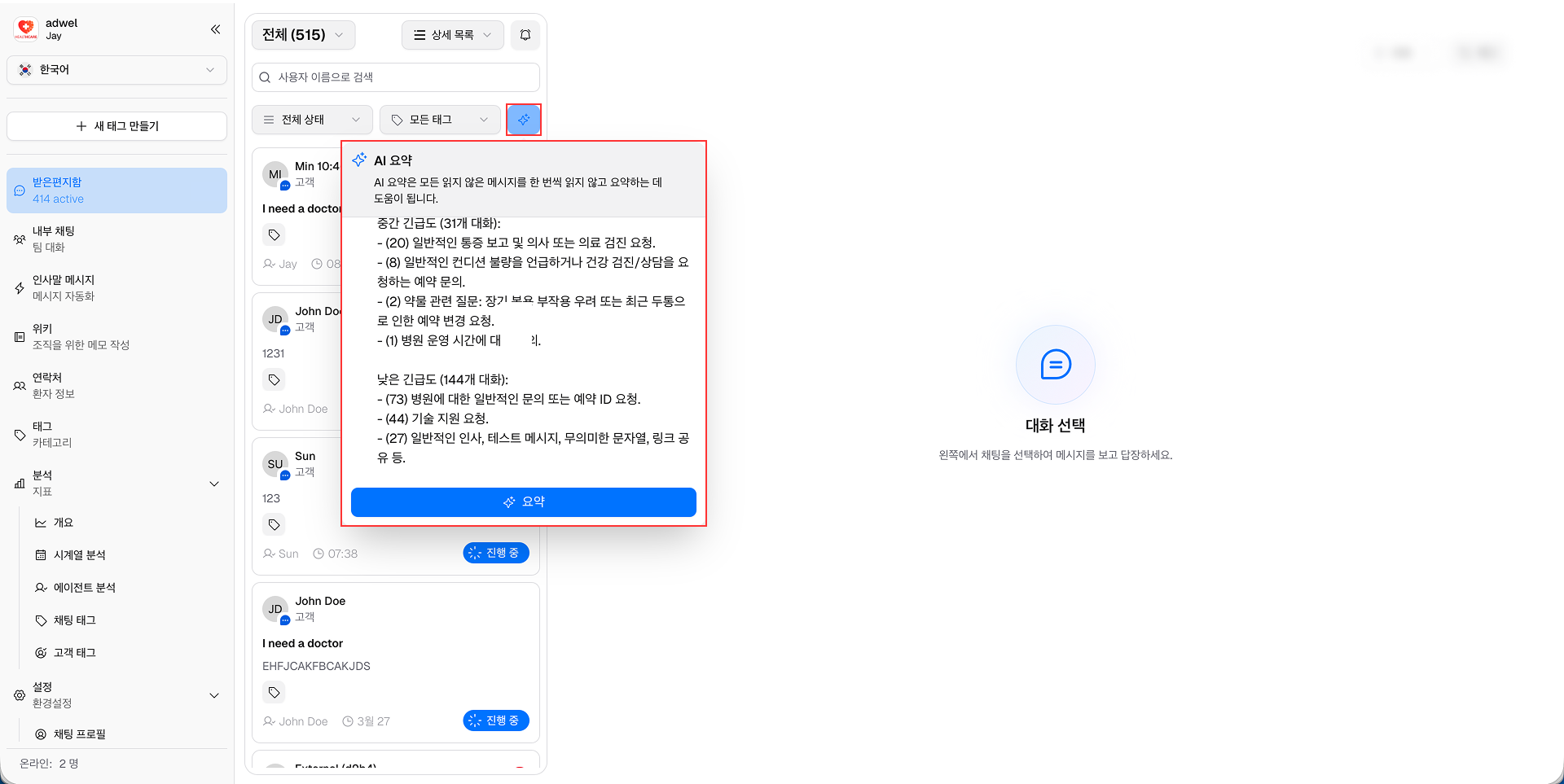
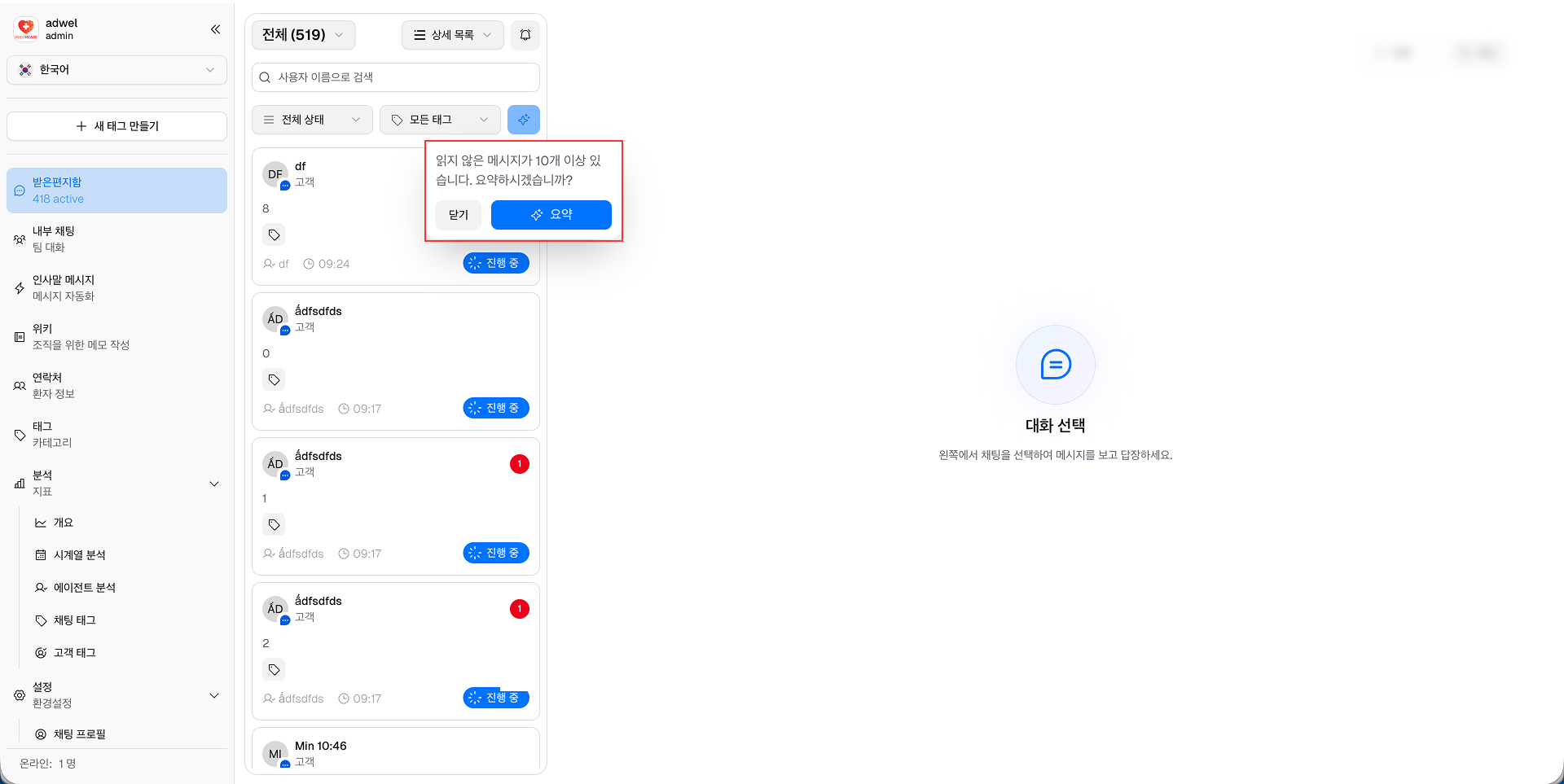
Step 1: In Live Chat (Inbox), click on the Sparkles button located next to tag filter dropdown

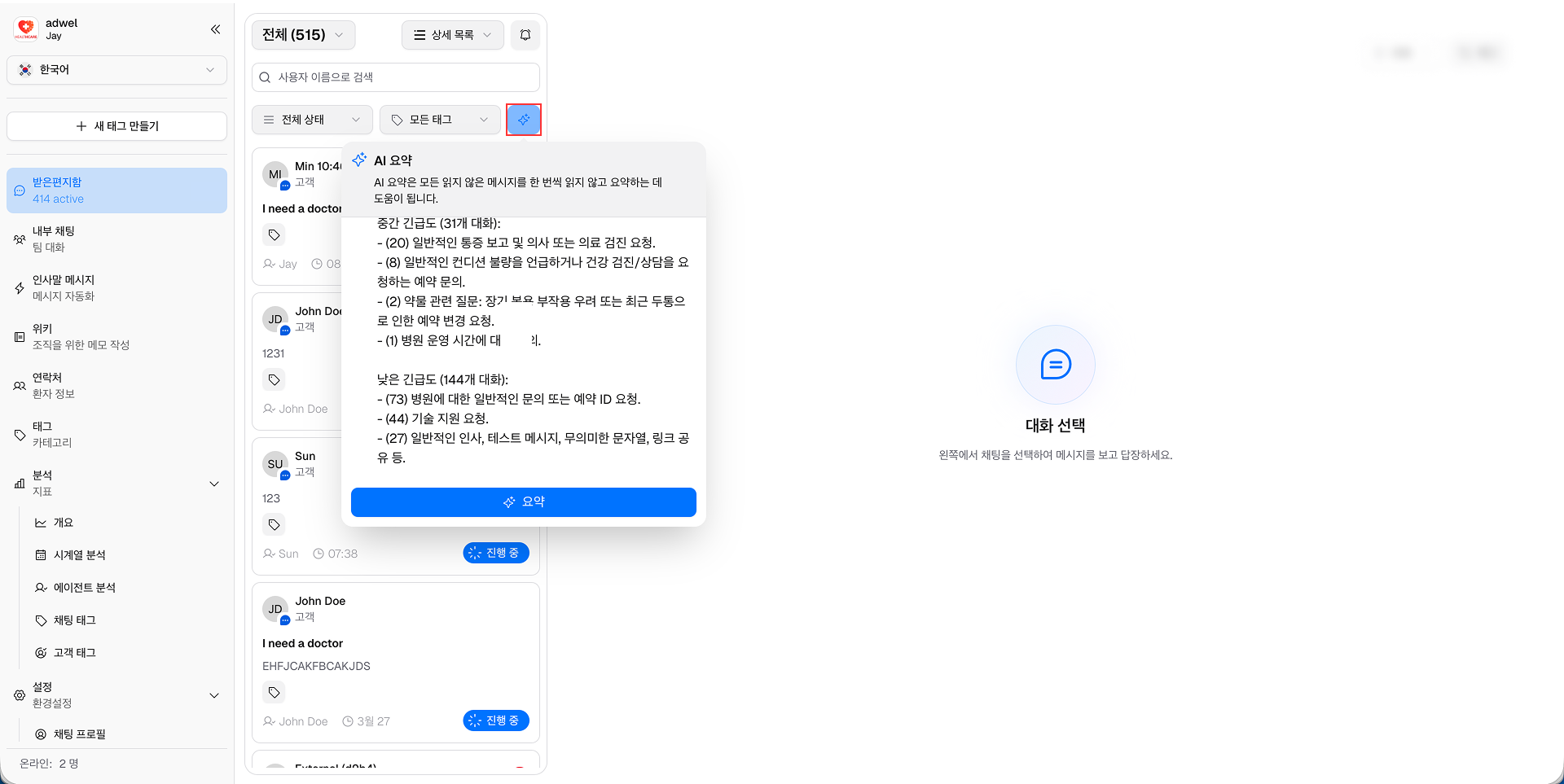
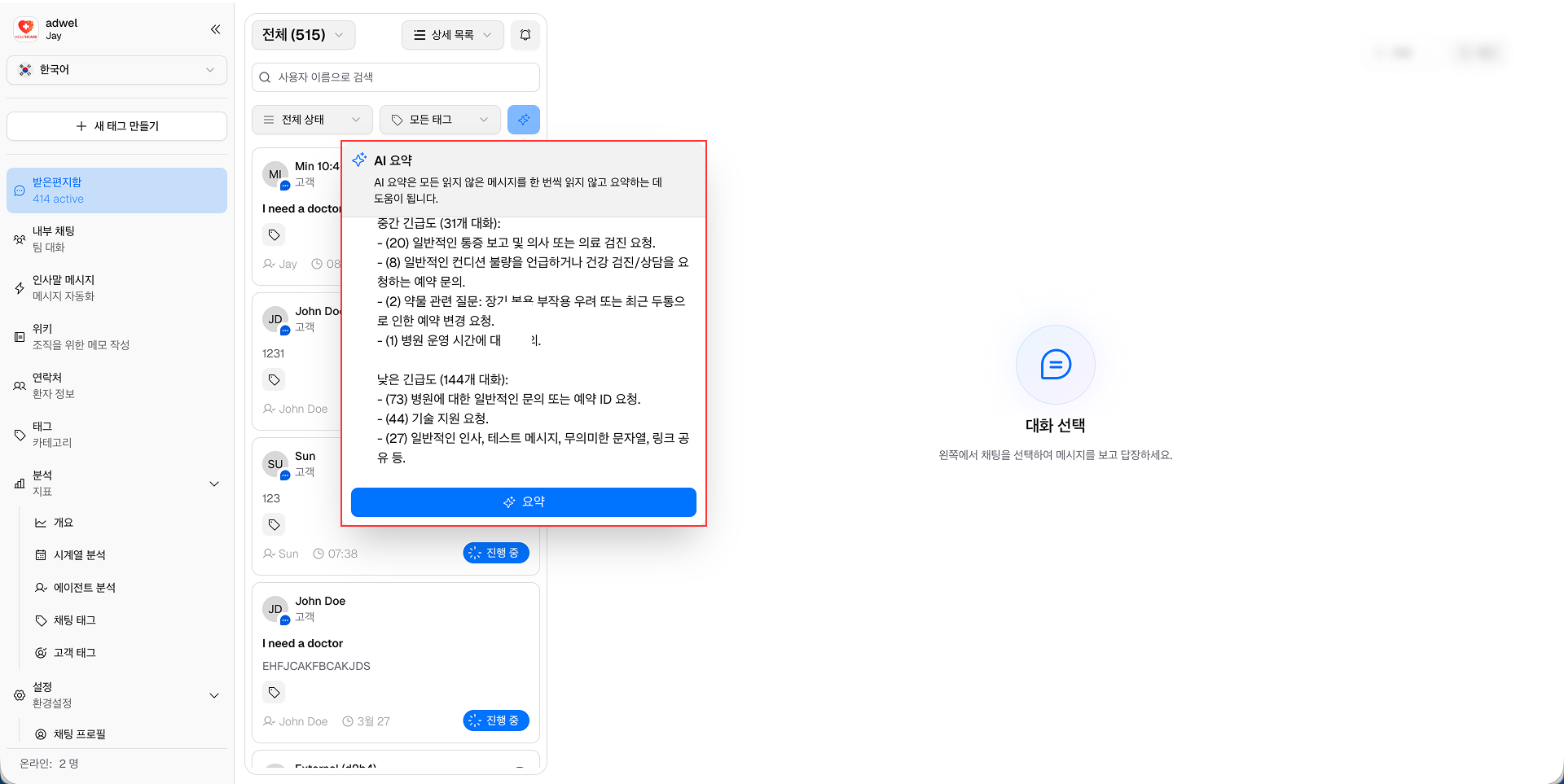
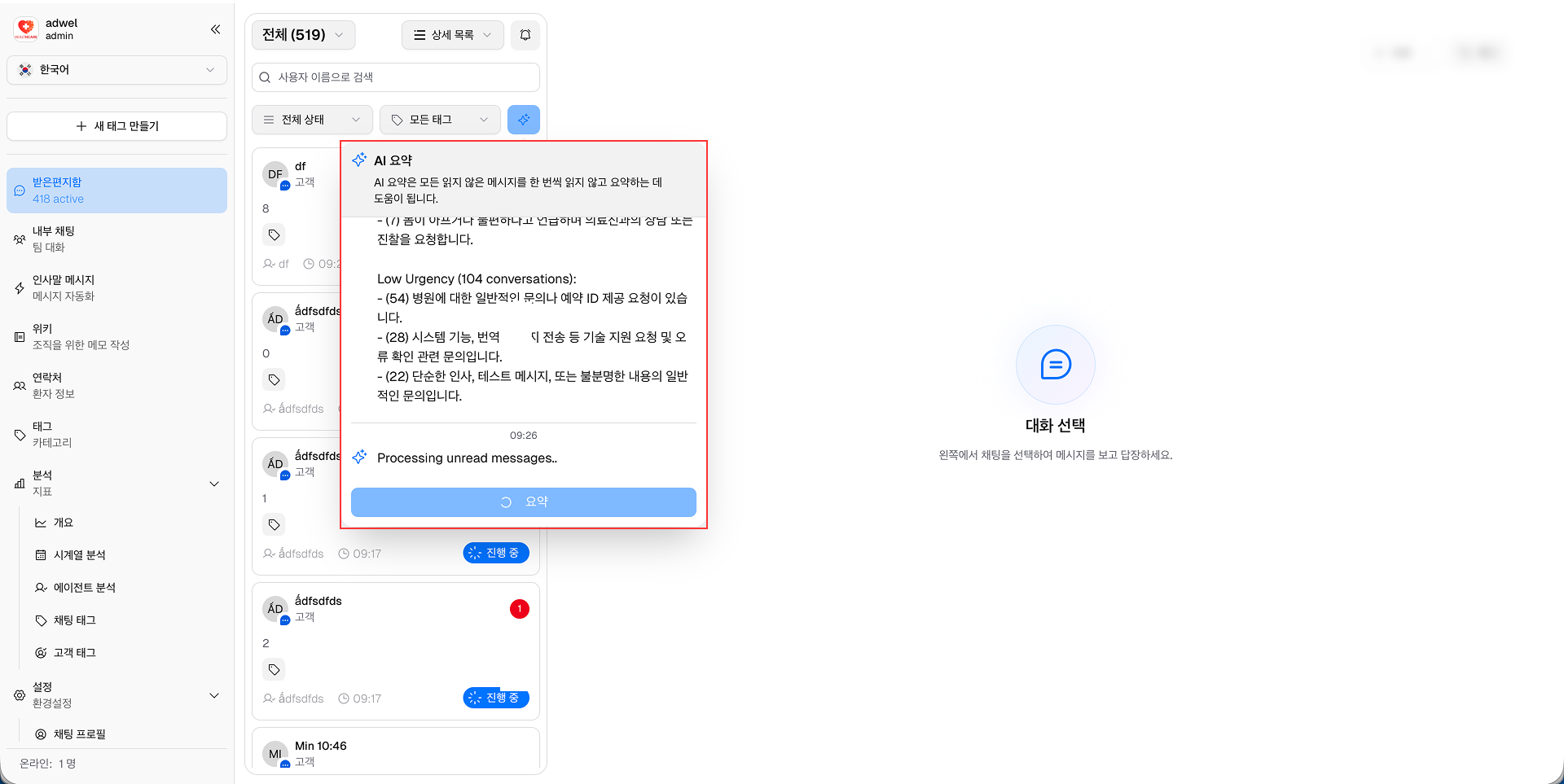
Step 2: An AI Summarize pop-up window will appear displaying the AI-generated summary of all unread messages in the chat.

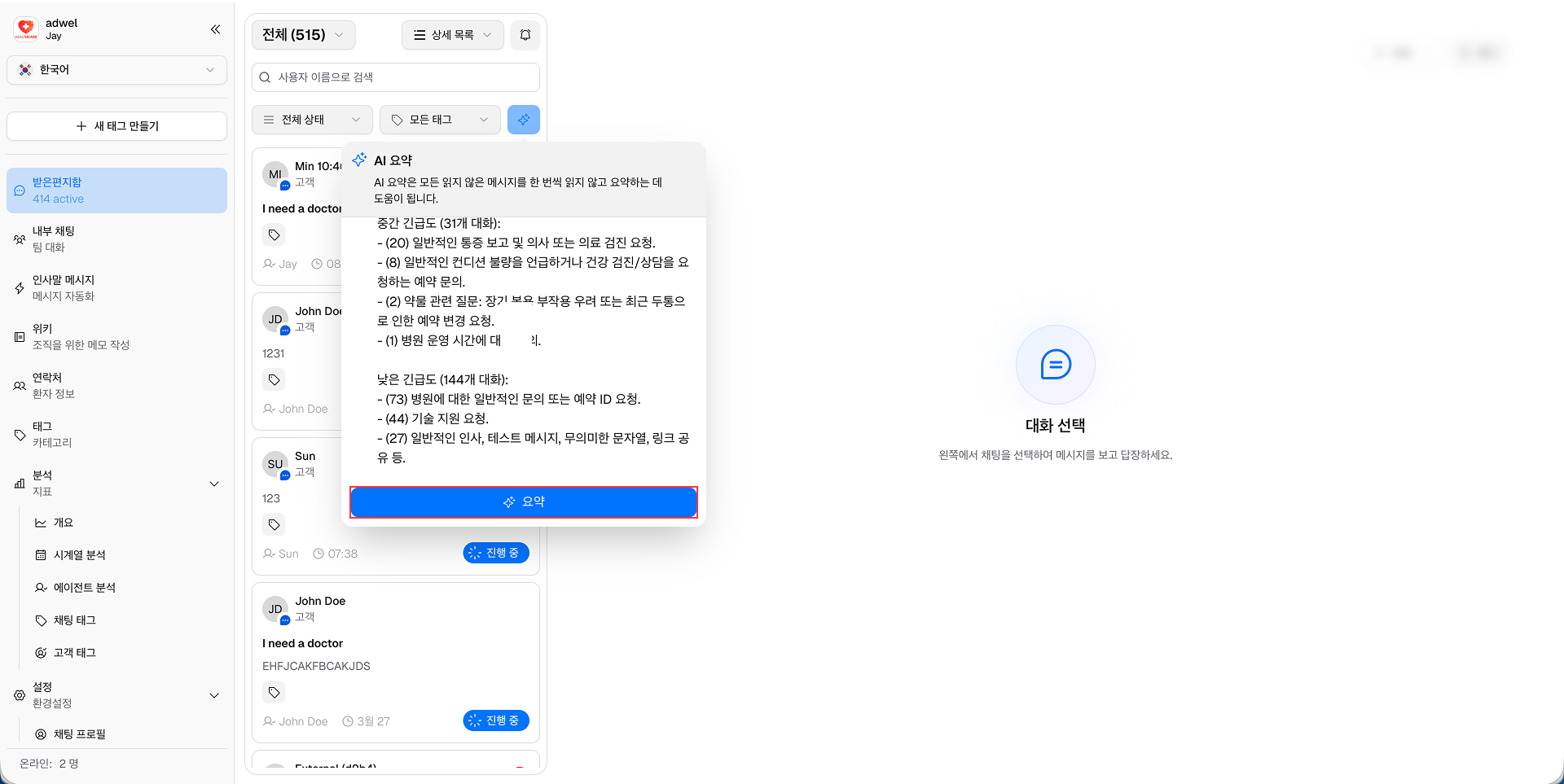
Step 3: Click the Summarize button to generate the summary.

You can now read the concise summary of unread messages to quickly grasp the conversation context after the Gemini completed the generation.
Auto suggest to summarize
When there are more than 10 unread messages in a chat, the AI Summarize feature will automatically suggest you to summarize with a pop-up notification.

When this pop-up appears, you can click the Summarize button to generate the summary of unread messages immediately.

Gemini API Error Handling
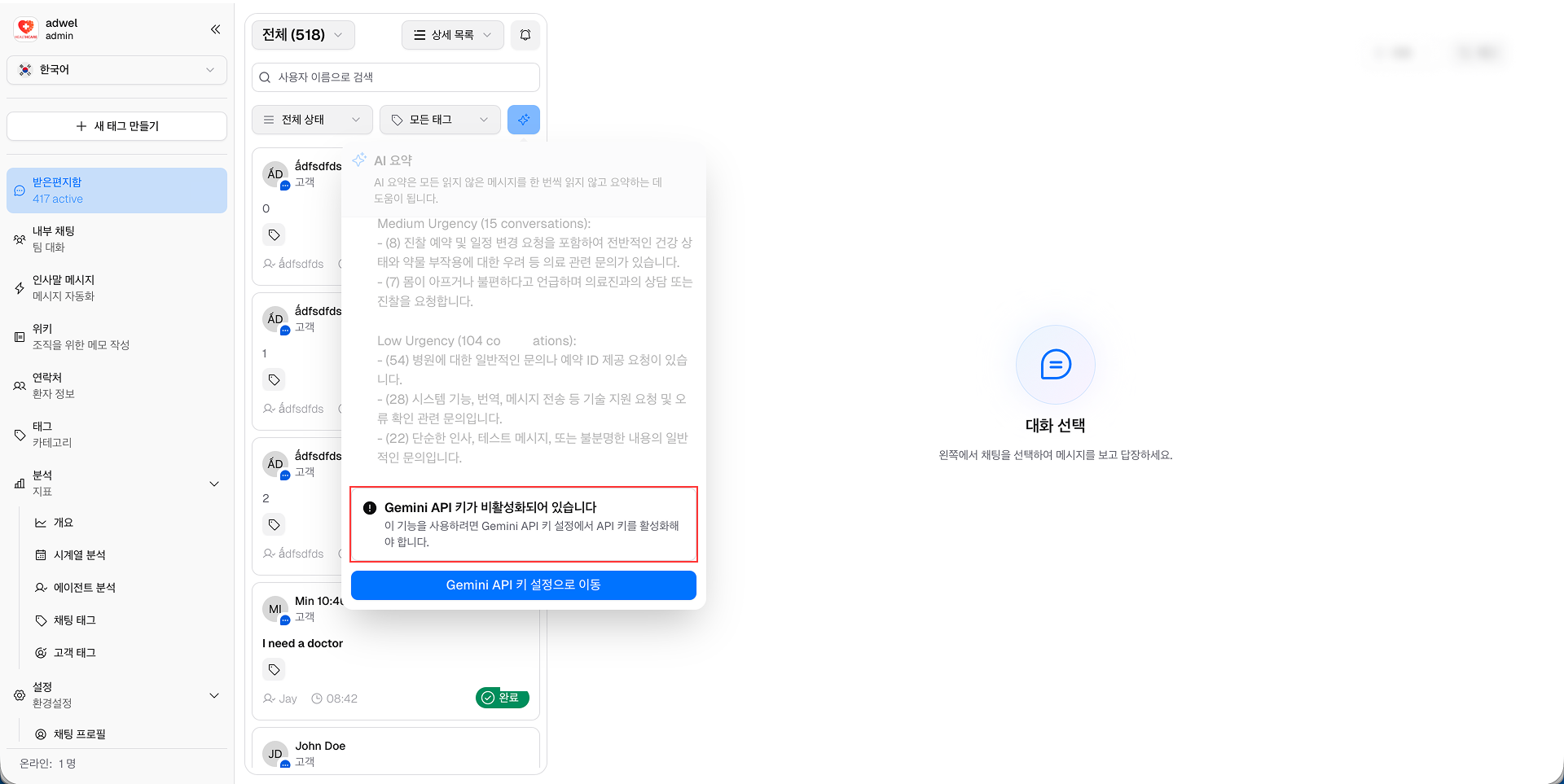
If there is an issue with the Gemini API, an error message will be displayed in the AI Summarize pop-up window.

You can click Go to Gemini API Key settings to navigate to the settings page and check for the details.