Chat Header

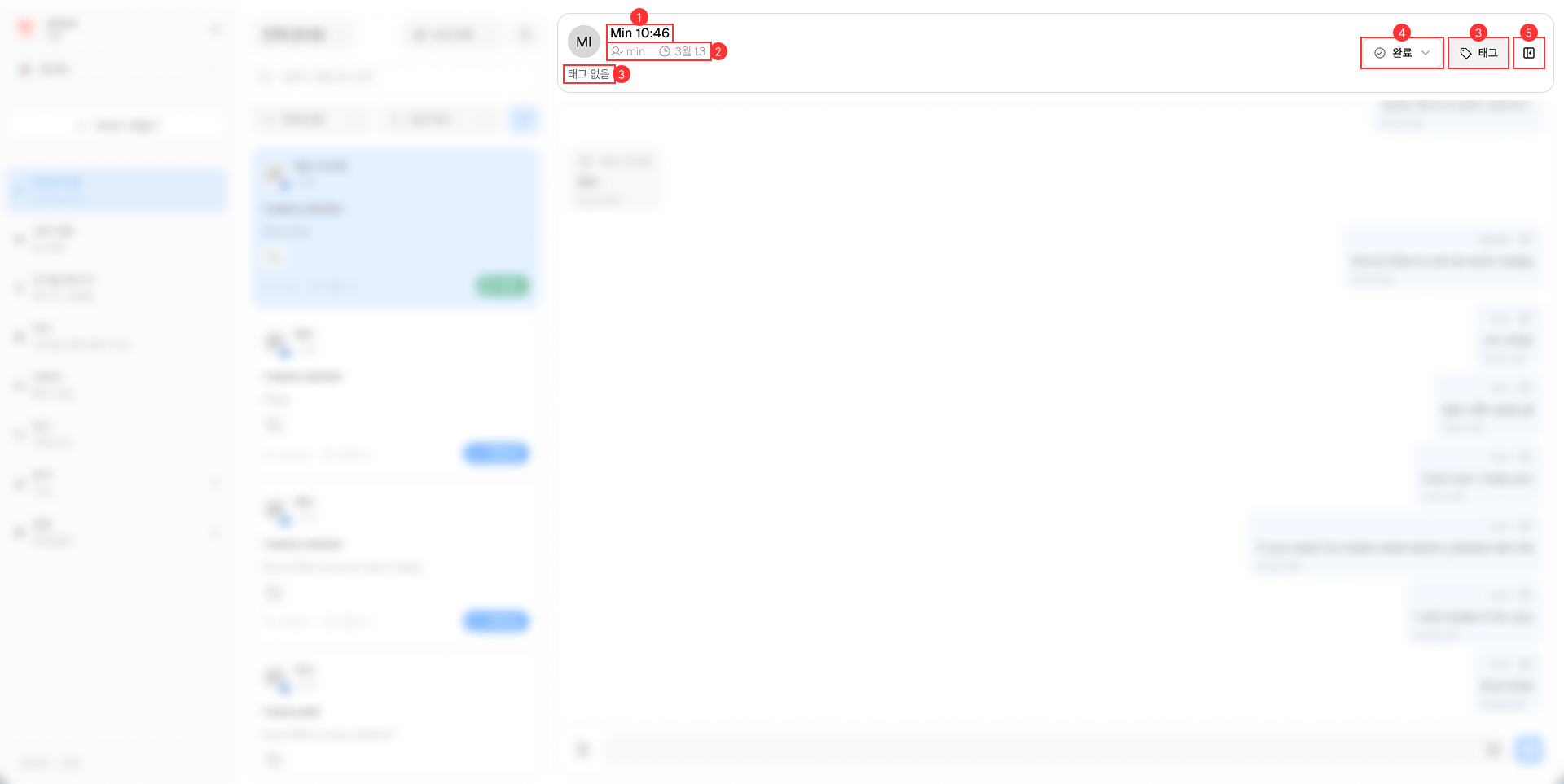
The Chat Header is located at the top of the Live Chat interface.

Chat Header

It consists of the following main components:

  1. Patient's Name: This name can be changed by agent only when the patient's type is Visitor. For Customer type, the name is pulled from hospital's database and cannot be changed.

  2. Last Sent Information: Displays the name of the sender and the time when the last message was sent.

  3. Tags Management: Allows agents to view and manage tags assigned to the chat session.

  4. Chat's Status Management: Enables agents to change the status of the chat session between In Process and Completed.

  5. Chat Attachments Button: Provides access to all attachments shared in the chat session. Includes Media, Files, Links, and Notes