채팅 헤더
채팅 헤더는 내부 채팅 인터페이스 상단에 있습니다. 채팅 헤더에는 3가지 유형이 있습니다.
일반 그룹 채팅 헤더
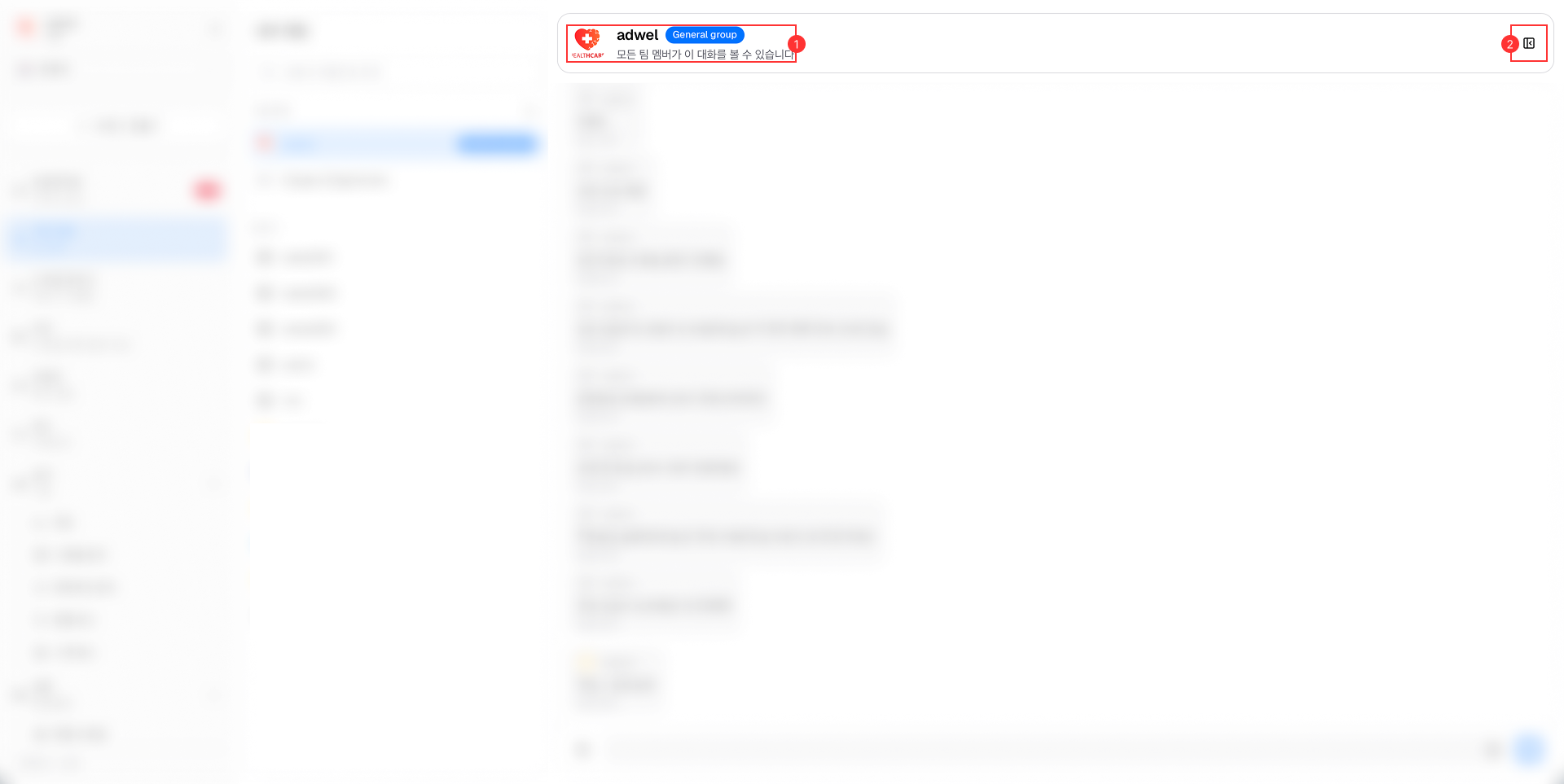
이는 다음과 같은 주요 구성 요소로 구성됩니다.
-
채팅 정보: 다음을 표시합니다.
- 병원 로고 (일반 그룹 채팅에만 적용)
- 병원명 (일반 그룹채팅에만 적용)
- 채팅 종류 : 일반 그룹 (일반 그룹 채팅에서만 나타남)
- 설명 : 이 대화는 모든 팀원이 볼 수 있습니다.
-
채팅 정보 버튼: 채팅 세션에서 공유된 모든 첨부 파일에 대한 액세스를 제공합니다. 미디어, 파일, 링크 및 메모 포함
비공개 그룹 채팅 헤더
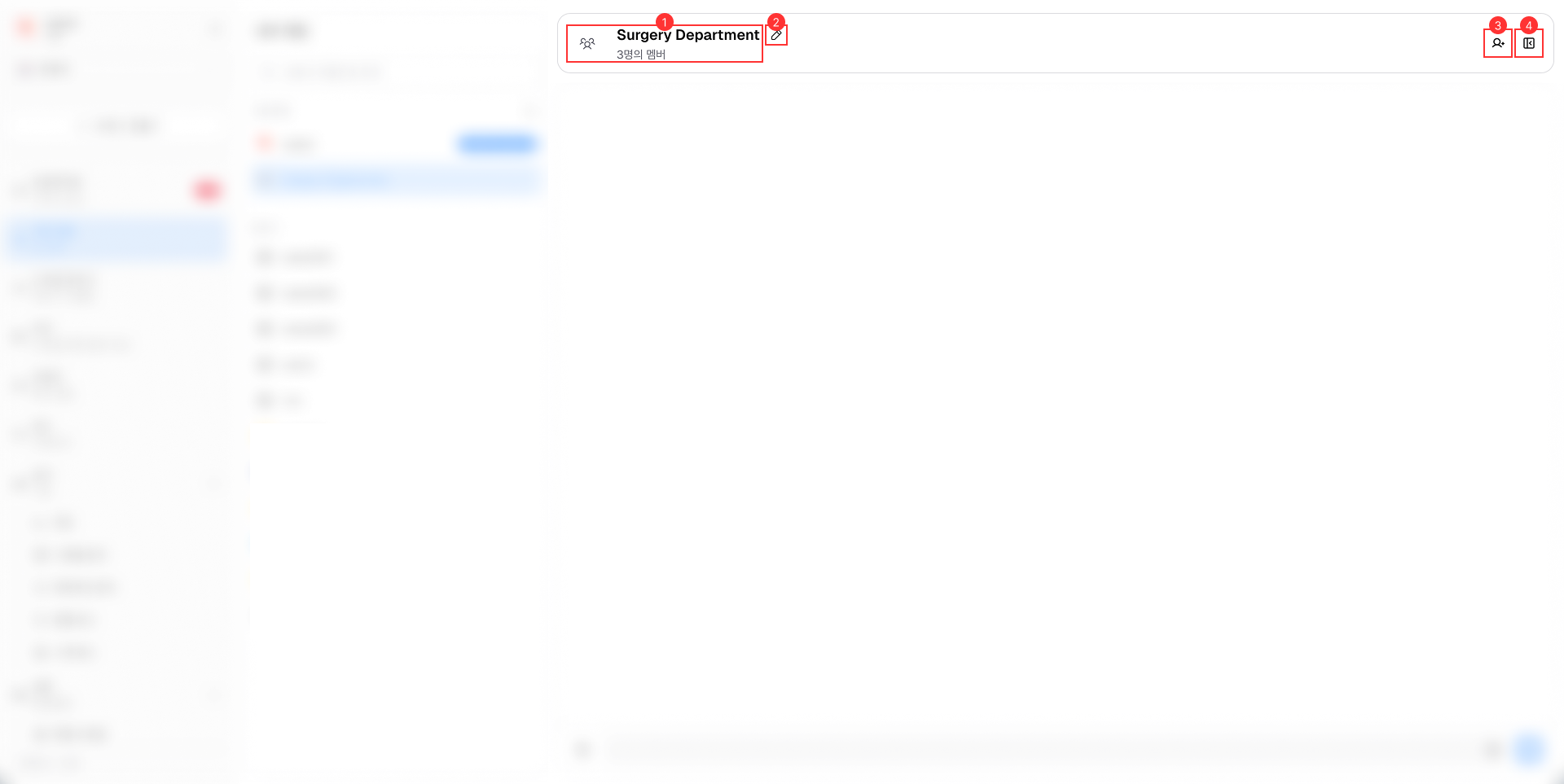
이는 다음과 같은 주요 구성 요소로 구성됩니다.
-
채팅 정보: 다음을 표시합니다.
- 비공개 그룹 아이콘(모든 비공개 그룹 채팅에 적용)
- 그룹 이름
- 참여자 : 비공개 그룹 채팅에 참여한 구성원 수입니다.
-
그룹 이름 변경 버튼: 그룹 구성원이 그룹 채팅 이름을 변경할 수 있습니다.
-
회원 추가 버튼: 이 그룹의 회원이 비공개 그룹 채팅에 새 회원을 추가할 수 있습니다.
-
채팅 정보 버튼: 그룹 관리 및 채팅 세션에서 공유된 모든 첨부 파일에 대한 액세스를 제공합니다. 미디어, 파일, 링크 및 메모 포함
개별 채팅 헤더
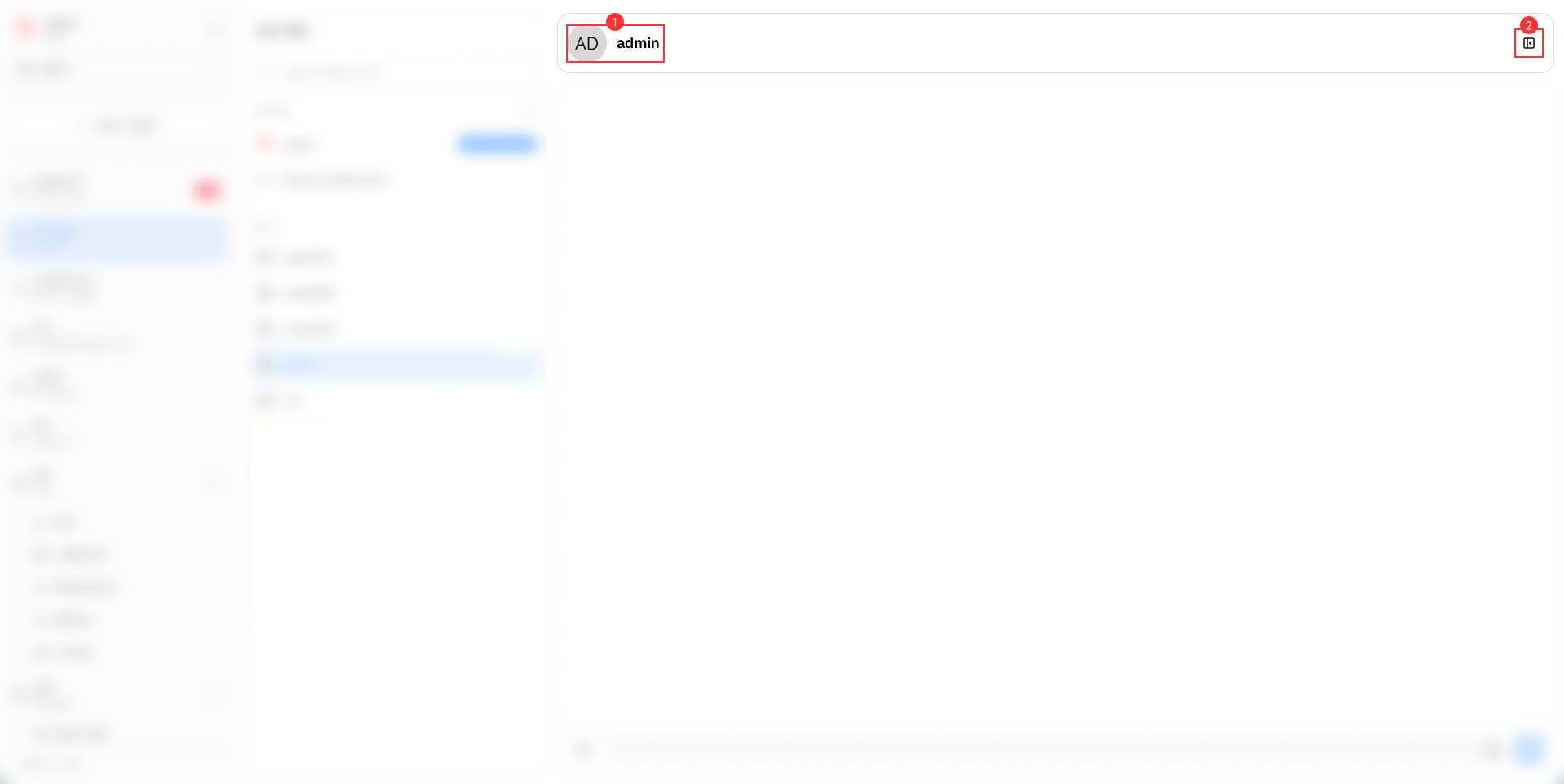
이는 다음과 같은 주요 구성 요소로 구성됩니다.
-
채팅 정보: 다음을 표시합니다.
- 상담원 프로필 사진
- 대리인의 이름
-
채팅 정보 버튼: 채팅 세션에서 공유된 모든 첨부 파일에 대한 액세스를 제공합니다. 미디어, 파일, 링크 및 메모 포함